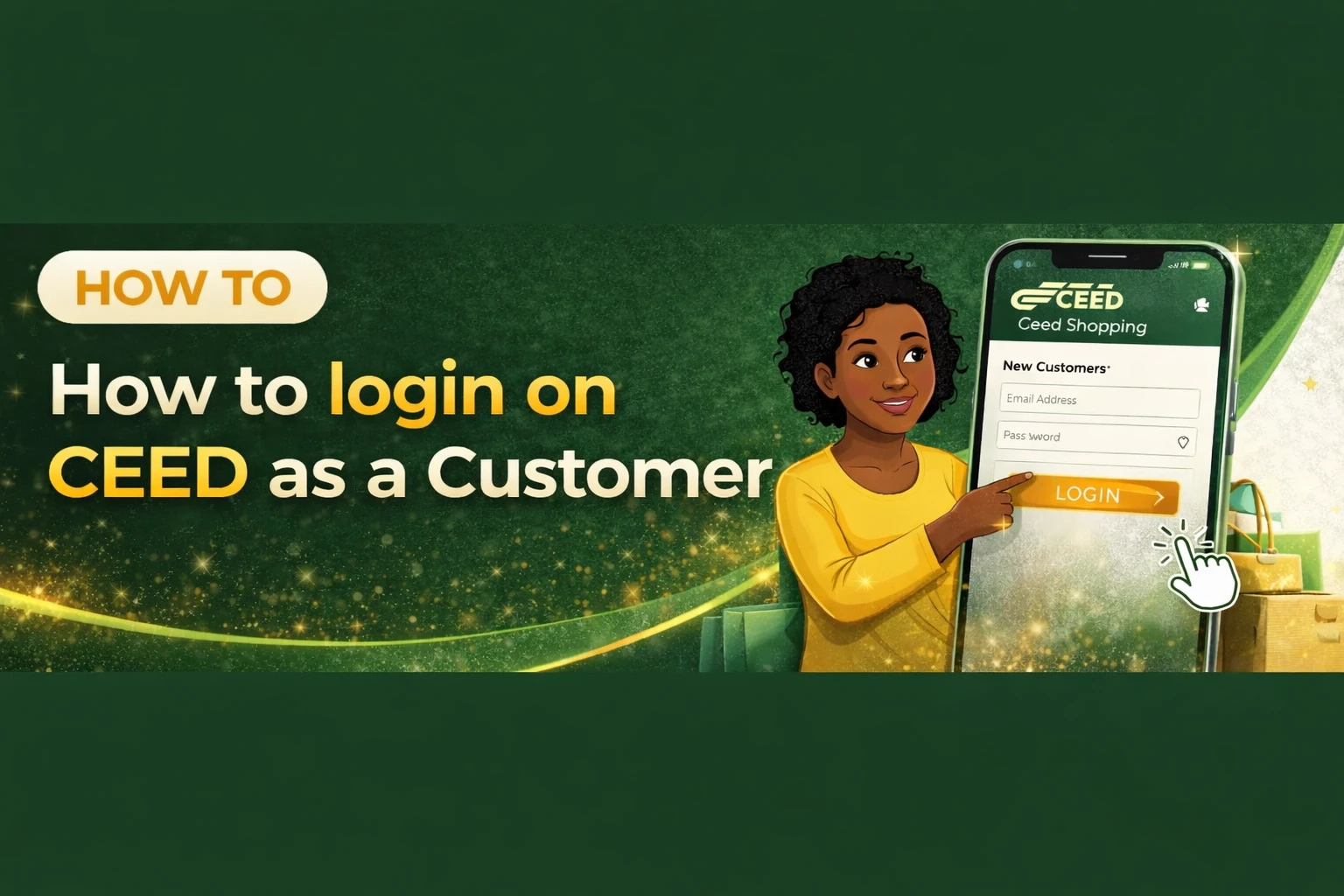

How to Log In to Your CEED Account (Using Email or Phone Number)
Once you have registered on CEED, logging in is very easy. Follow this simple step-by-step guide to access your dashboard using either your email or phone number along with your password.
Step 1: Open the Login Page
- Open any web browser on your phone or computer.
- In the address bar, type the login link below:
- https://www.ceed.africa/customer/auth/login
- Press Enter to load the CEED login page.
Step 2: Enter Your Login Details
You will see two main fields on the login form:
1. Email or Phone Number
- Enter the email address you used during registration,
- OR
- Enter your registered phone number.
You only need one of them to log in.
2. Password
- Type the password you created during registration.
- Make sure there are no extra spaces and the password is typed correctly.
Step 3: Log In to Your Account
- After entering your email/phone and password, click the “Login” button.
- If your details are correct, you will be redirected to your CEED Dashboard.
Optional: If You Forgot Your Password
If you can’t remember your password:
- Click the “Forgot Password?” link on the login page.
- Follow the steps to reset your password using your email or phone number.
You're In! 🎉
You’re now successfully logged in to your CEED account.
If you want, I can also help you write a guide for navigating the dashboard or updating your customer profile.