
How to Register on CEED as a Customer – Simple Step-by-Step Guide
If you're new to CEED and want to create your customer account, this guide will walk you through the entire process in a very easy way. Just follow these steps:
Step 1: Open the Registration Page
- Open any web browser on your phone or computer (Chrome, Safari, Firefox, etc.).
- In the address bar at the top, type:
- https://www.ceed.africa/customer/auth/sign-up
- Press Enter to load the registration page.
Step 2: Fill Out the Registration Form
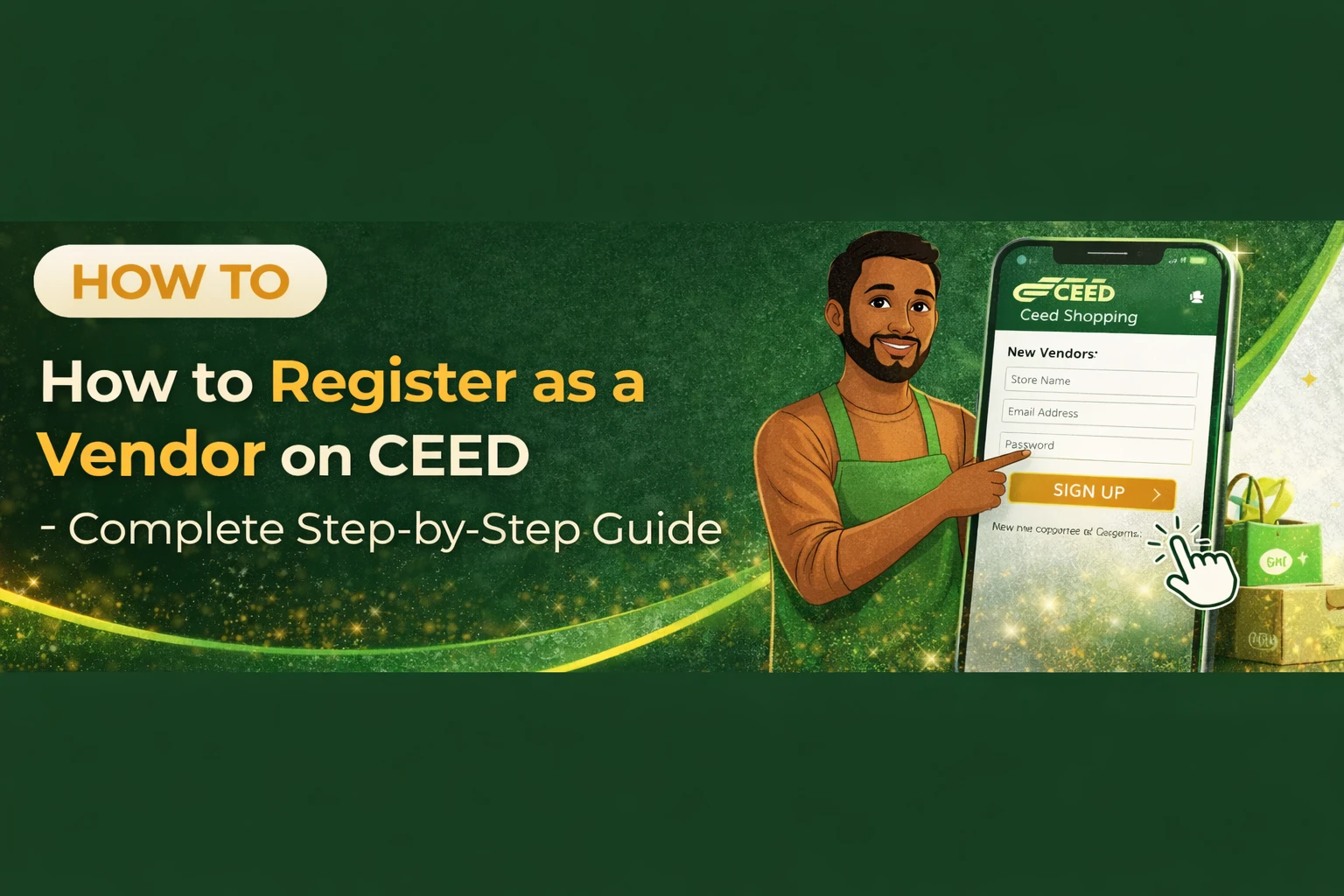
Once the page opens, you will see a form. Carefully fill in each field:
- First Name: Type your first name.
- Last Name: Type your last name.
- Email Address: Enter a valid, active email address.
- Phone Number: Type your phone number (make sure it’s correct).
- Password: Create a strong password you can remember.
- Confirm Password: Type the same password again to confirm it.
- Referral Code (Optional): If someone referred you and gave you a code, enter it here. If not, you can leave it blank.
Step 3: Accept the Terms and Conditions
Before you can complete your registration:
- Scroll to the section where the Terms and Conditions are mentioned.
- Read through them.
- Tick the checkbox to show that you agree.
Step 4: Complete Your Registration
Now you’re ready to create your account:
- Click the “Register” button (or whatever the button is labeled on the page).
- After this, you may receive a confirmation email or SMS. Follow the instructions inside to verify your account.
That’s It — You’re Registered! 🎉
You now have your CEED customer account and can start exploring all the available features and services.
If you need a guide on what to do next, just let me know!